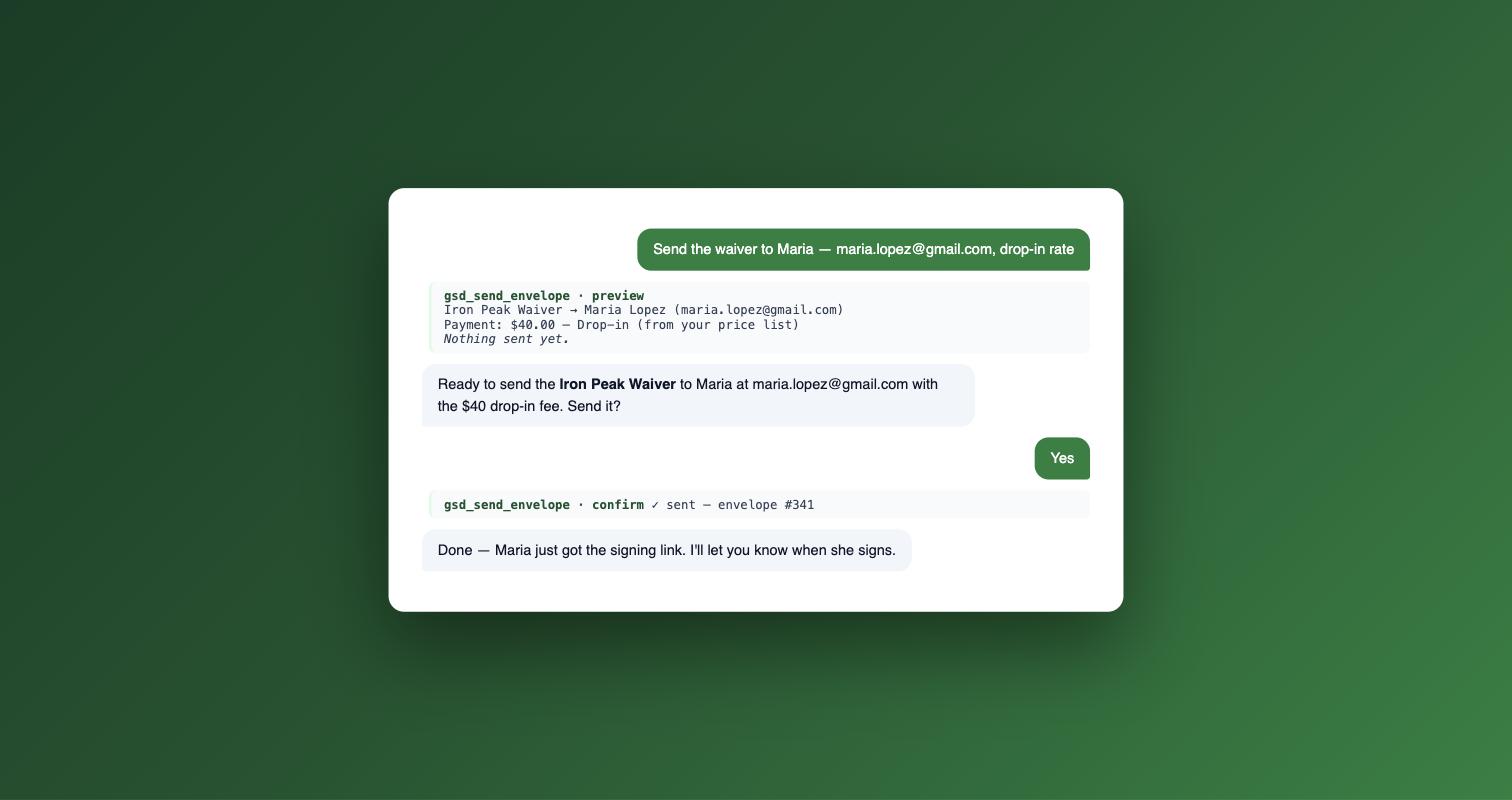
Your AI assistant already drafts the email, books the session, and updates the spreadsheet. As of today, it can also get the waiver signed.
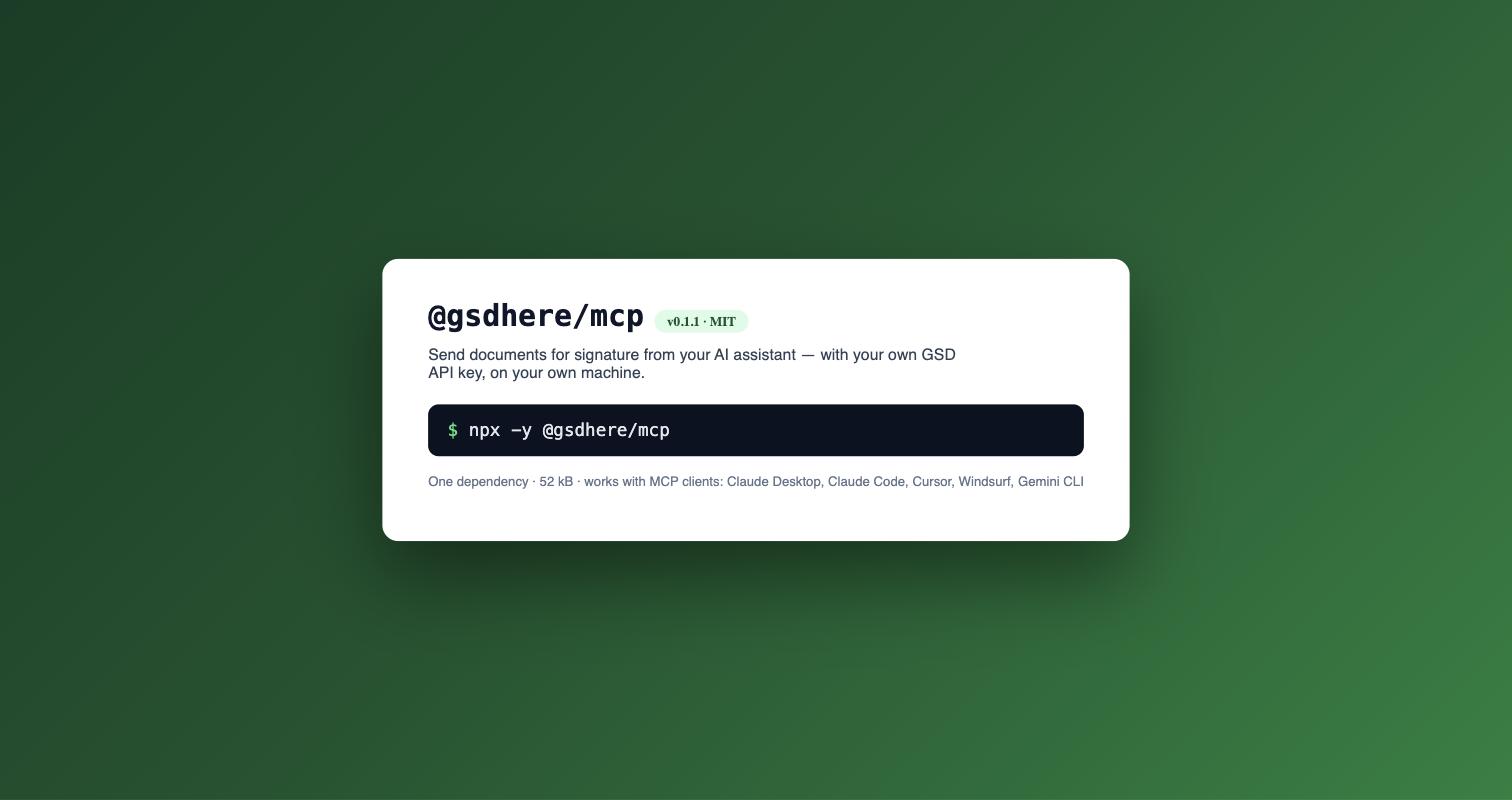
We just shipped @gsdhere/mcp, a small npm package that connects GSD to your AI assistant. You say "Send the waiver to Maria." The assistant shows you exactly what's about to go out. You say yes. Maria gets the signing invitation. That's the whole product.
npx -y @gsdhere/mcpWhat it is
MCP (Model Context Protocol) is an open standard that lets an AI assistant use tools on your machine — the same way it can already read your files or run your code. Our package is a local MCP server: it runs on your computer, uses your own GSD API key, and talks directly to the GSD API. Nothing is proxied through a third party, and no logs are written to disk.
It works with any MCP client that runs local stdio servers. That includes Claude Desktop, Claude Code, Cursor, Windsurf, Gemini CLI, and developer stacks like the OpenAI Agents SDK. If your tool speaks MCP, it can send your documents.
The conversation
Here's what it actually looks like. You have a template called "Gym Waiver" with a couple of price options saved on it.
You: Send the gym waiver to Maria — maria@example.com — with the drop-in price.
Assistant: Here's the preview. Template: Gym Waiver. Signer: Maria (maria@example.com). Payment: $40.00 — Drop-in (price option). Nothing has been sent. Confirm?
You: Yes, send it.
Assistant: Sent. Maria will get the signing invitation by email.
Later, you can just ask:
You: Did Maria sign yet?
Assistant: She viewed it 2 hours ago but hasn't signed.
And when she does sign, "download the signed PDF" saves the finished document — certificate of completion included — into a folder you chose. Six tools total: list your templates, send with preview and confirm, check one envelope's status, list recent envelopes, download the signed PDF, and a quick "does my key work" check.
Safety is the feature
Letting an AI send documents designed to meet ESIGN/UETA signature requirements sounds risky. We designed for that first, and the guardrails are the best part of the product.
Every send is two steps. The first call returns a preview — template resolved by name, recipients echoed back, any payment shown as an exact dollar amount. Nothing is sent until you confirm. There is no one-step send.
The AI can never type a price. Payment amounts cannot be set or changed through the tool. Envelopes inherit the payment defaults saved on your template, and if you've authored price options (Intro class $25, Drop-in $40), the assistant can only pick one by its key. An unknown key is rejected. There is no way to pass a custom amount — to charge something new, you change the template in the GSD app.
Your key never appears in output. The server reads your API key from an environment variable and redacts anything key-shaped from every response and error. The assistant never needs to see it, so never paste it into a chat.
Everything is on the record. Envelopes sent this way land in your real GSD audit trail, recorded as sent via the API — the same trail as everything else in your account.
Set it up in 3 minutes
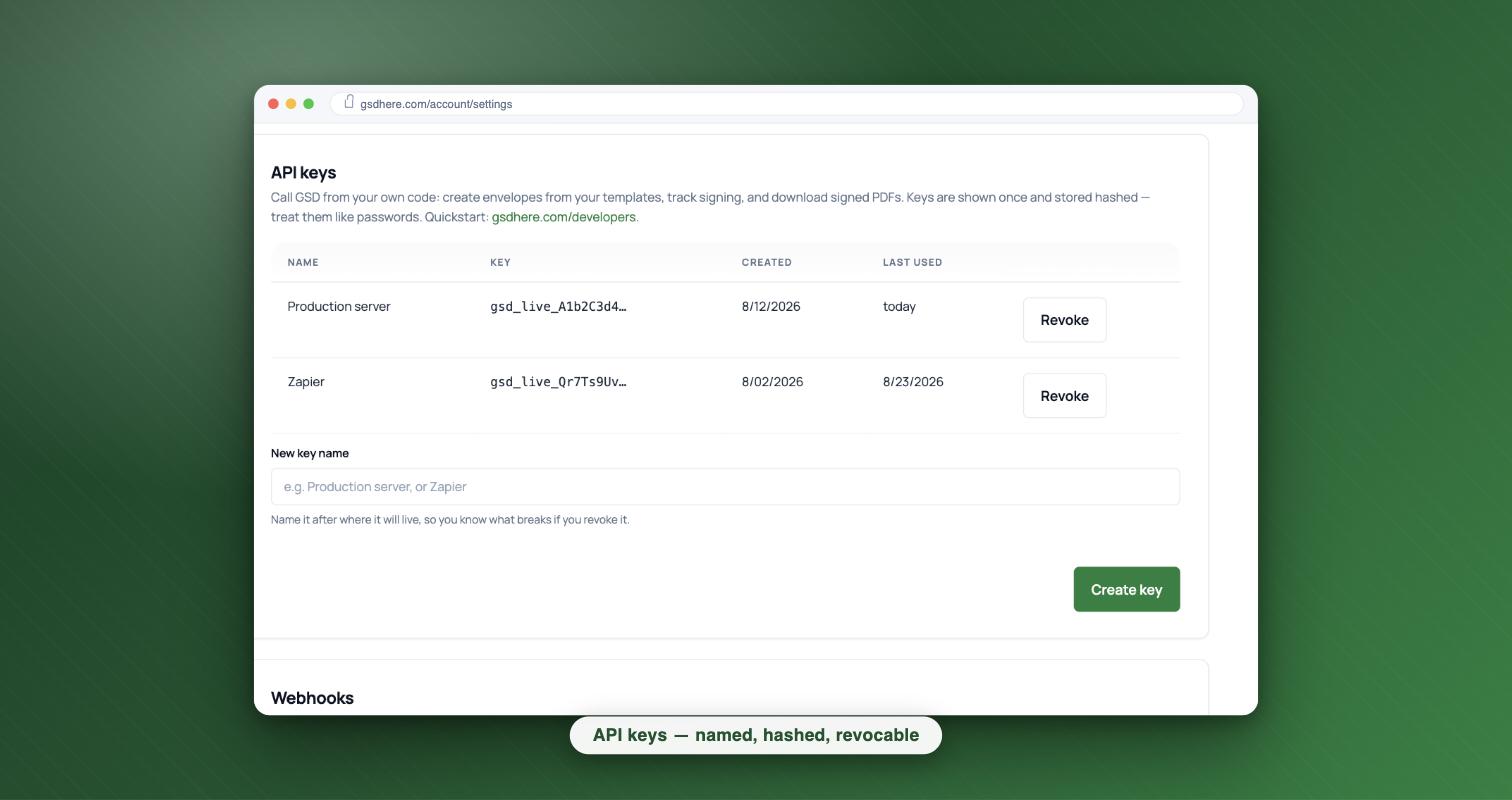
You'll need Node.js 18+ and a GSD API key (Business plan and up, or Pro via pay-as-you-go). Create the key at Settings → API & Webhooks.
Claude Desktop
Add to claude_desktop_config.json (Settings → Developer → Edit Config):
{
    "mcpServers": {
        "gsd": {
            "command": "npx",
            "args": ["-y", "@gsdhere/mcp"],
            "env": {
                "GSD_API_KEY": "gsd_live_your_key_here",
                "GSD_DOWNLOAD_DIR": "/Users/you/Documents/gsd-signed"
            }
        }
    }
}
Claude Code
claude mcp add gsd \
  --env GSD_API_KEY=gsd_live_your_key_here \
  --env GSD_DOWNLOAD_DIR="$HOME/Documents/gsd-signed" \
  -- npx -y @gsdhere/mcp
Cursor and other clients use the same JSON shape — full configs are in the docs.
Then test it on yourself
- Restart your MCP client so it picks up the new server.
- Say: "Send my Gym Waiver template to me at my own email address."
- Review the preview, confirm, and sign it from your own inbox.
- Ask for the status, then ask for the signed PDF.
Total cost: one envelope. Do this once before ever sending to a real client — sends are billable, and a delivered invitation can't be unsent.
Go send something
The package is @gsdhere/mcp on npm. API docs and the full tool reference live at gsdhere.com/developers, and API keys come with the Business plan (or Pro pay-as-you-go) — see pricing. Your assistant handles the busywork. The signature still starts with you saying yes.
Ready to get signing done? Start free with 5 documents a month and no credit card, or browse the e-signature guides.