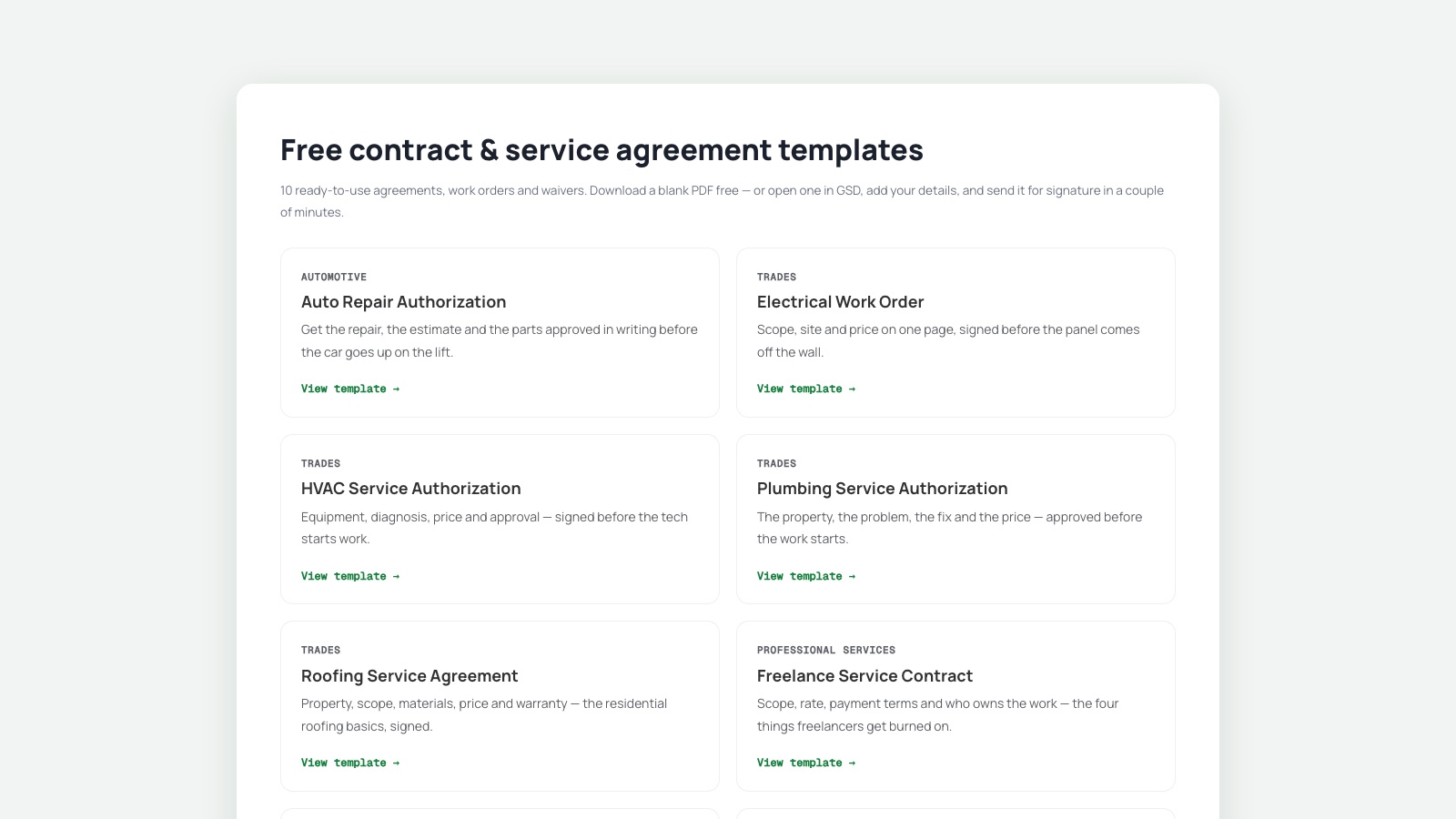
Most of the paperwork a small operator signs isn't a contract. It's an authorization: the customer approves the work and the price before you start. If the invoice gets questioned three weeks later, that one page is what settles it. In several states some form of written approval is required before you can charge for repairs at all.
We've put ten of them together, covering the jobs where a single page really is the whole document: gsdhere.com/templates.
What is in the library
- Service calls. Auto repair authorization, HVAC service authorization, plumbing authorization and electrical work order. The diagnosis, the fix and the price, approved before anyone opens a wall.
- Waivers and releases. Pet services liability release, whose most useful line is the emergency veterinary authorization, and the motel check-in form for the front desk.
- Recurring and booked work. Lawn care service agreement, restaurant services agreement for catering and private events, roofing service agreement for straightforward repair and replacement work, and a freelance service contract.
What they are, and what they are not
Each one is a single page: the job, the parties, the two or three details that change every time, the terms, and the signatures. That's deliberate. It's the right shape for a service call. An auto repair authorization is one page, and so is a grooming release.
It's the wrong shape for a complicated deal, so here is where the line falls. A roofing job paid directly by the homeowner fits on this page. A roof replacement running through an insurance claim doesn't. That involves the claim number, the deductible, an adjuster's scope and a payment schedule tied to milestones, and it deserves a real contract. The same goes for a freelance engagement with meaningful intellectual property or confidentiality at stake. If your trade already runs on field-service software that produces the work order and captures the signature on a tablet, keep using it. These are for the jobs that fall outside it.
Signing them
Open one in GSD and the signature, initial and date fields are already placed. Fill in your details, enter the other party's email, and send. They sign in their browser on whatever device they have, with no account and nothing to install. You both get the completed PDF back with an audit trail recording every view and signature, plus a SHA-256 hash so any later change to the file is detectable.
Electronic signatures collected this way are intended to be legally binding under the U.S. ESIGN Act1 and UETA2. The first five documents each month are free.
Read them before you use them
These are drafting aids, not legal advice, and no template knows your state, your licence, or the deal you actually struck. Before you send one to a customer, read the terms and change any that don't match how you work (the cancellation window, the warranty term, the payment schedule). A generic document you didn't read is worse than a short one you did.
The part that's always worth getting right is the timing. Get the approval before the work, not after the argument. That's the whole value of the document.
Sources
Ready to get signing done? Start free with 5 documents a month and no credit card, or browse the e-signature guides.